Tap share. Tap Laytr.
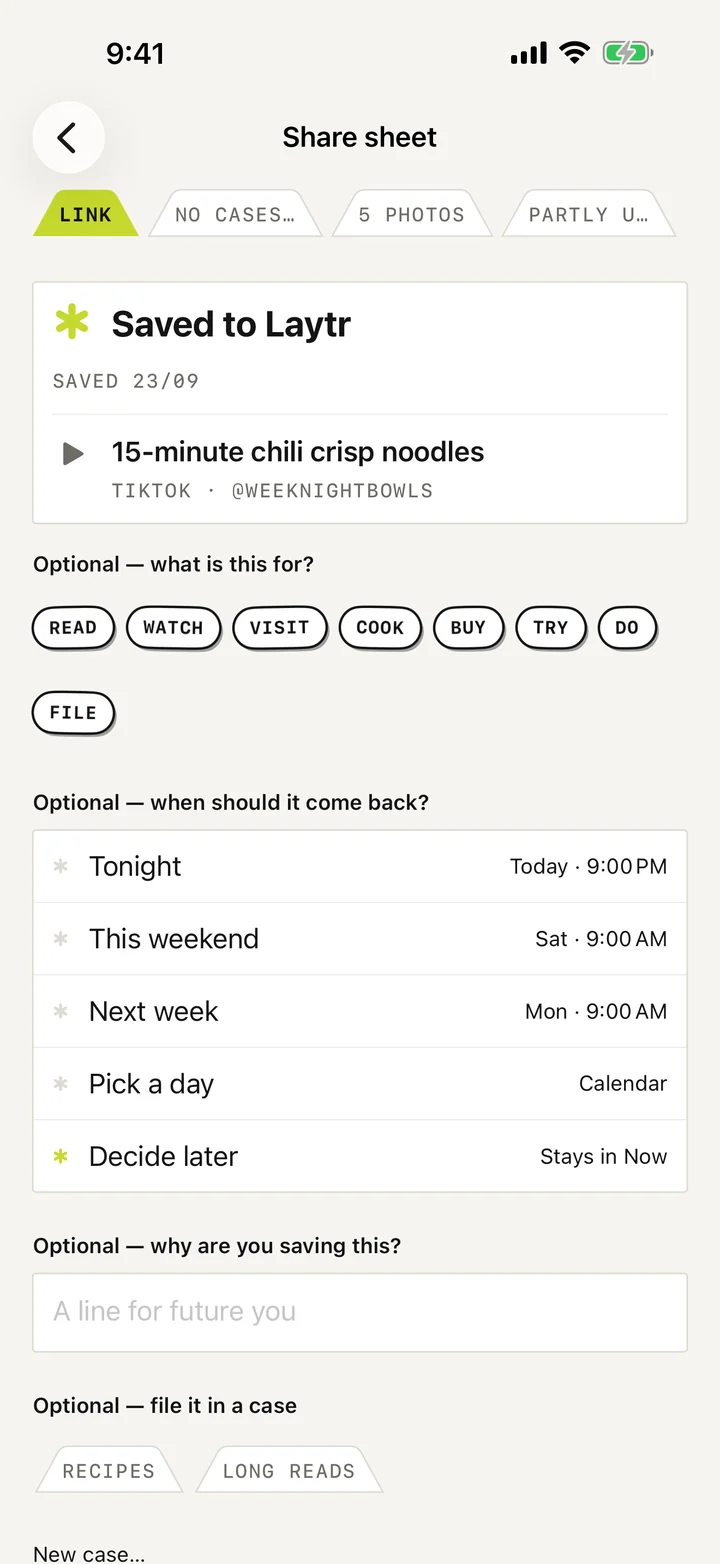
Laytr is in the share sheet of every app.
For iPhone, iPad and Mac
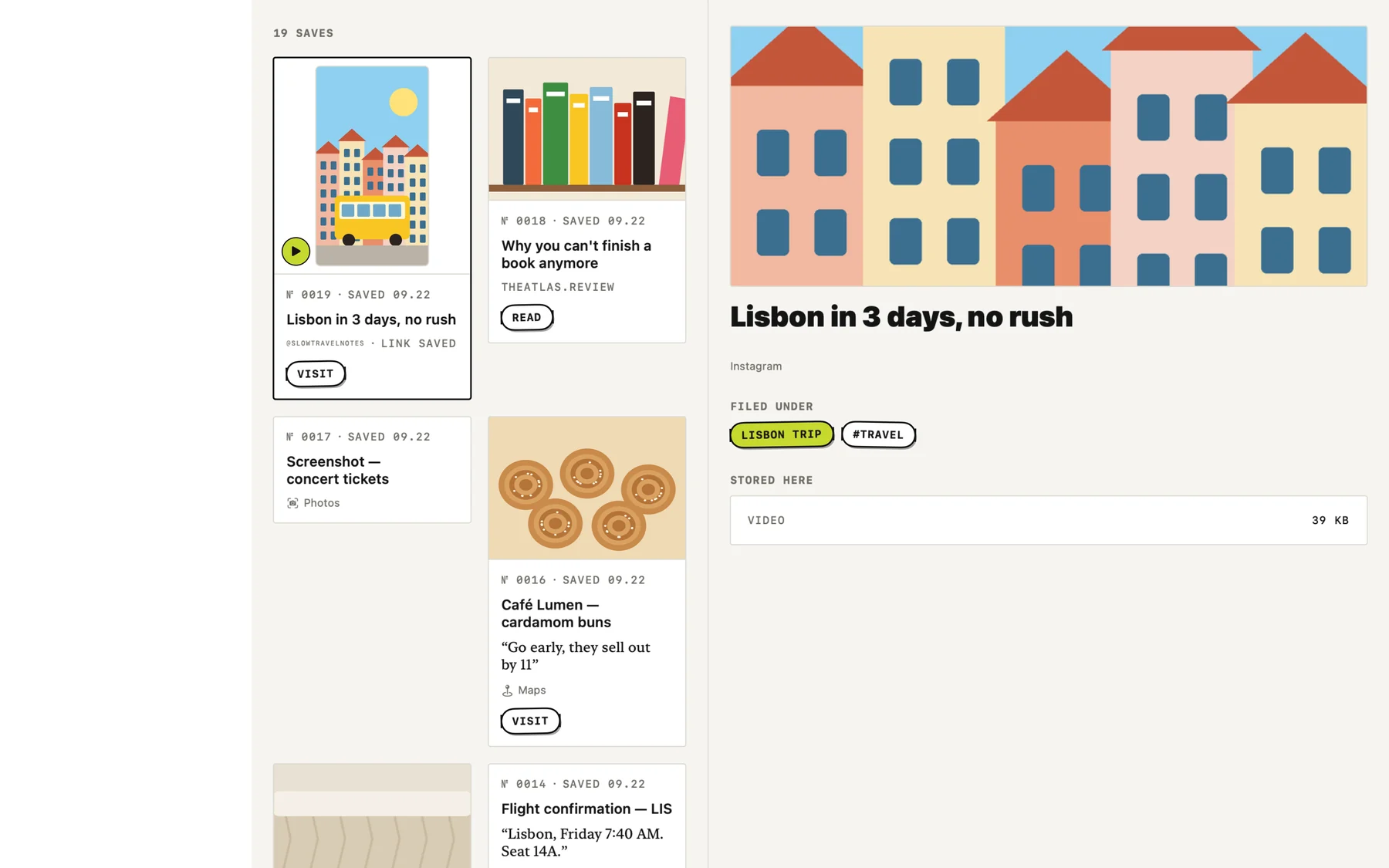
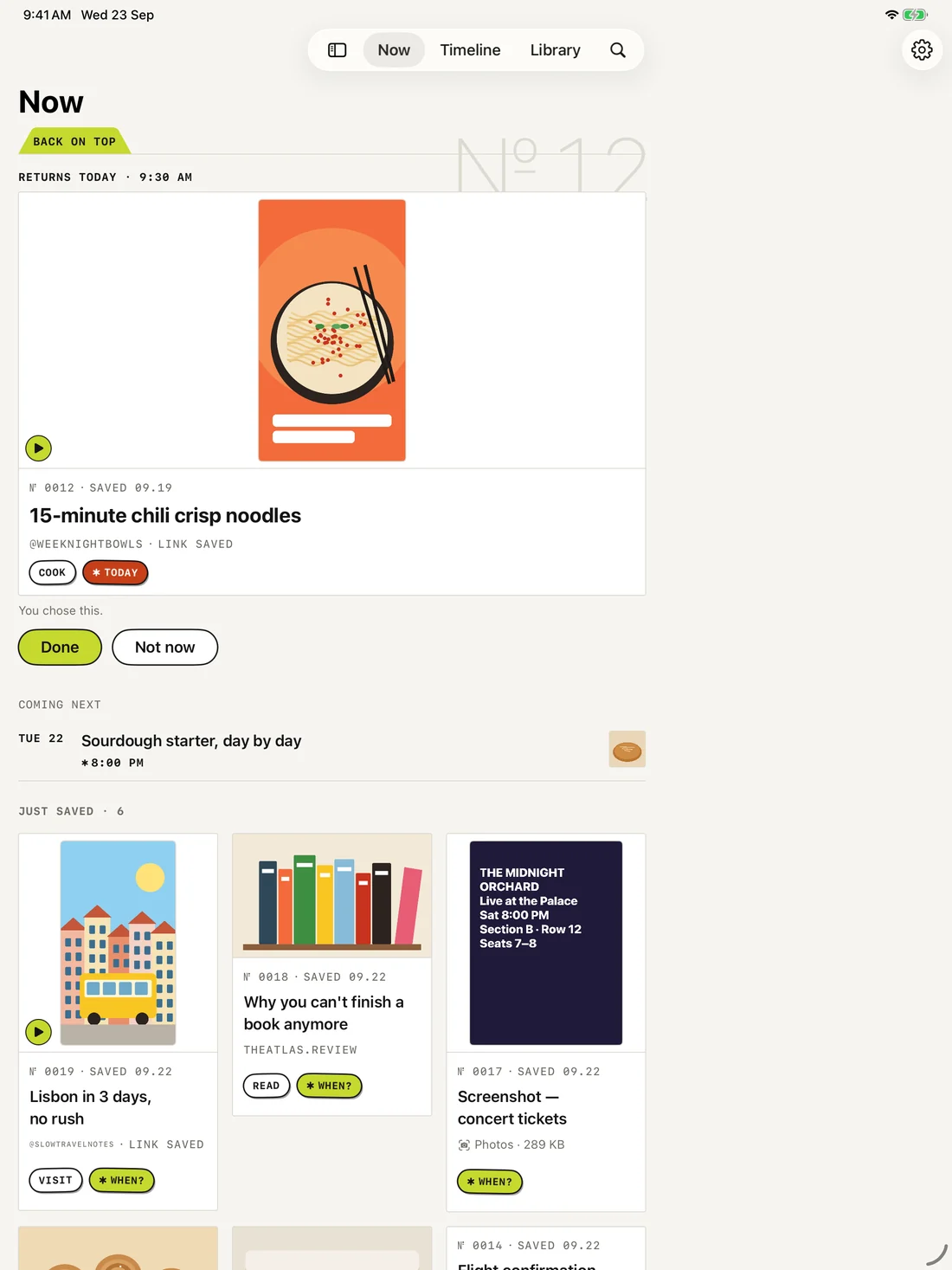
Links, recipes, videos, screenshots and PDFs from any app, in one place. Pick a day and Laytr reminds you.
Free to start. No account, ever.
“An incredibly organized UI for keeping tabs on everything.”
“Save anything you find online, not just articles to read.”
The problem
Bookmarks, saved posts, screenshots, open tabs. It all goes in. Almost none of it comes out.
Laytr puts it all in one place, and reminds you when it matters.
How it works
Laytr is in the share sheet of every app.
Tonight, this weekend, or any day you like.
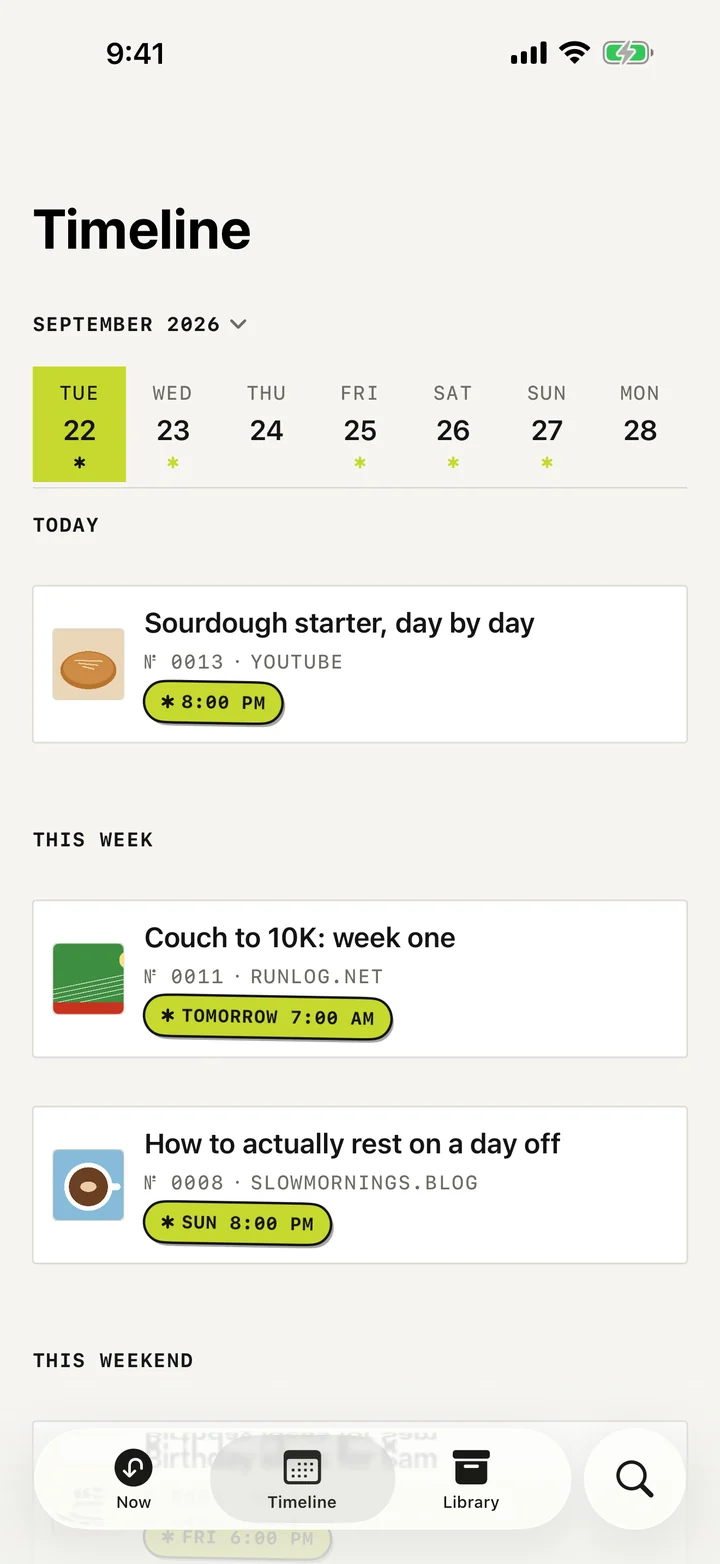
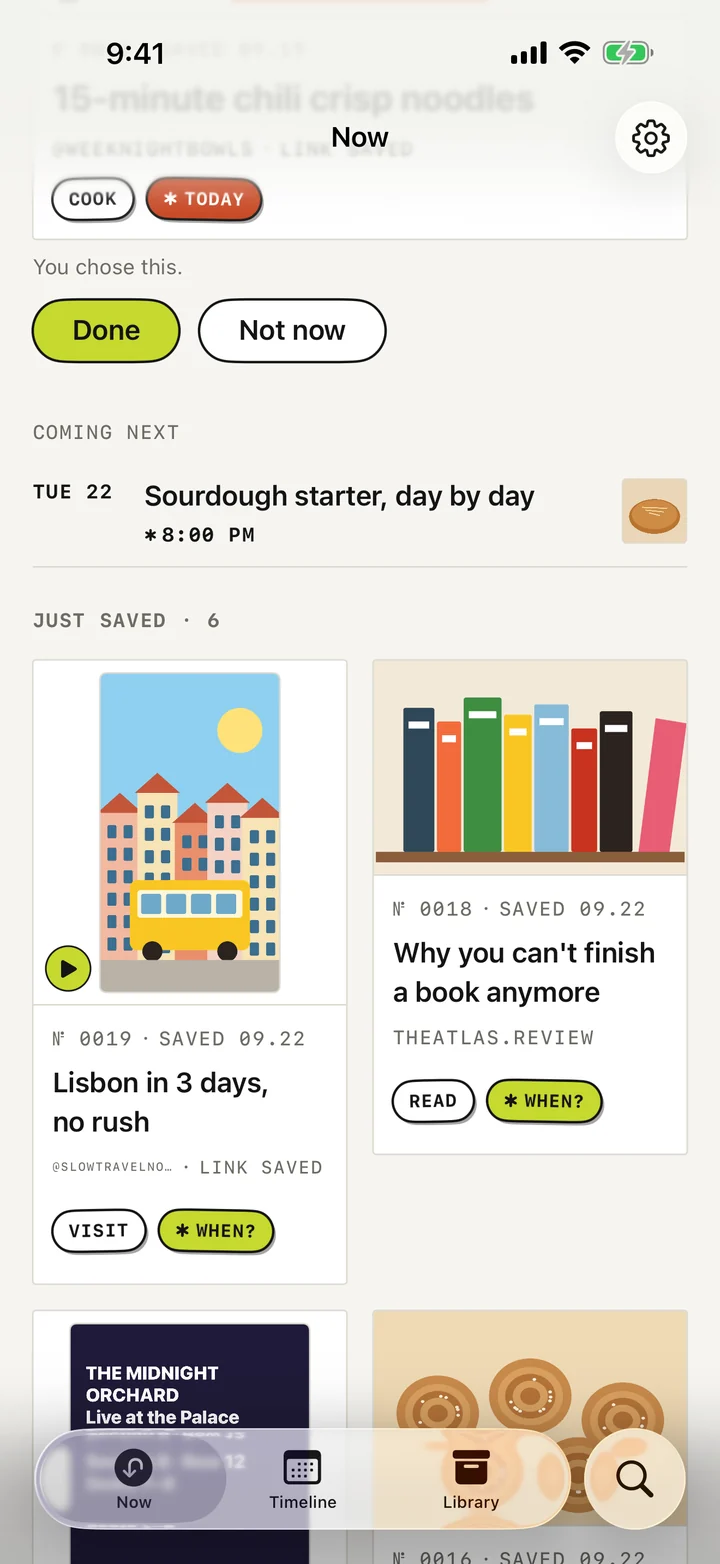
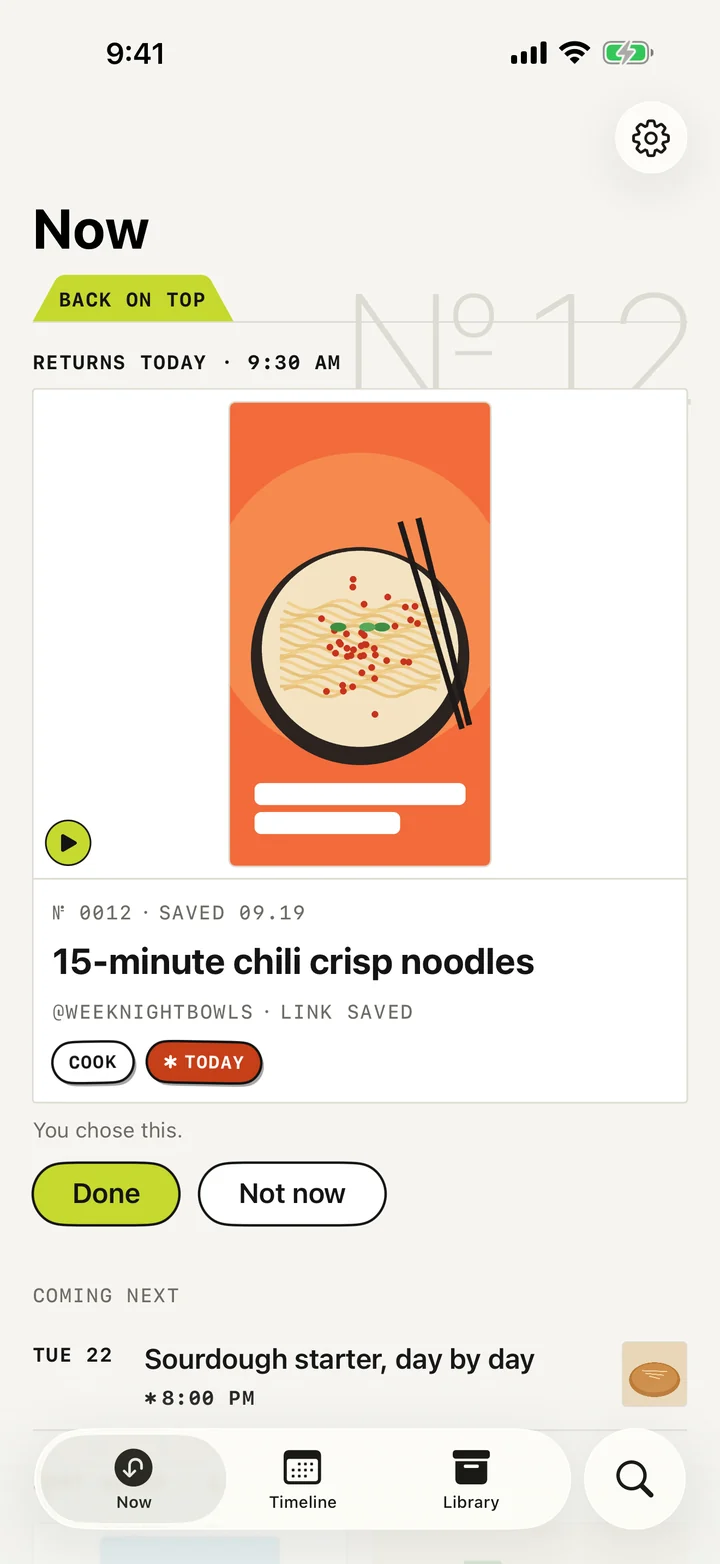
On the day, it’s waiting at the top of Now.
When do you want it?
“Not now” sits right next to “Done”. No streaks, no overdue badges, no guilt.
Times as the app sets them
Links · videos · recipes · PDFs
Articles, videos, places, recipes, PDFs and screenshots, each on a card that fits.

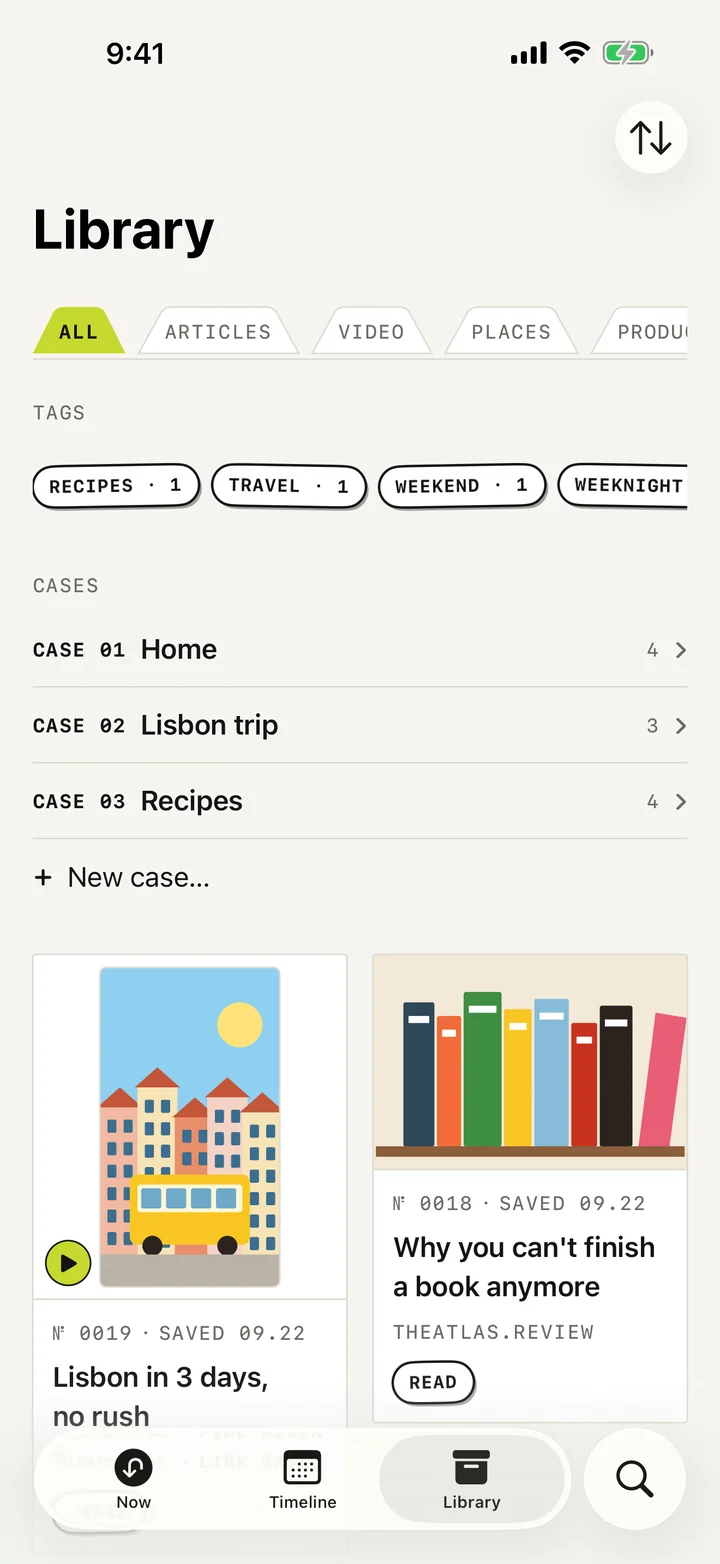
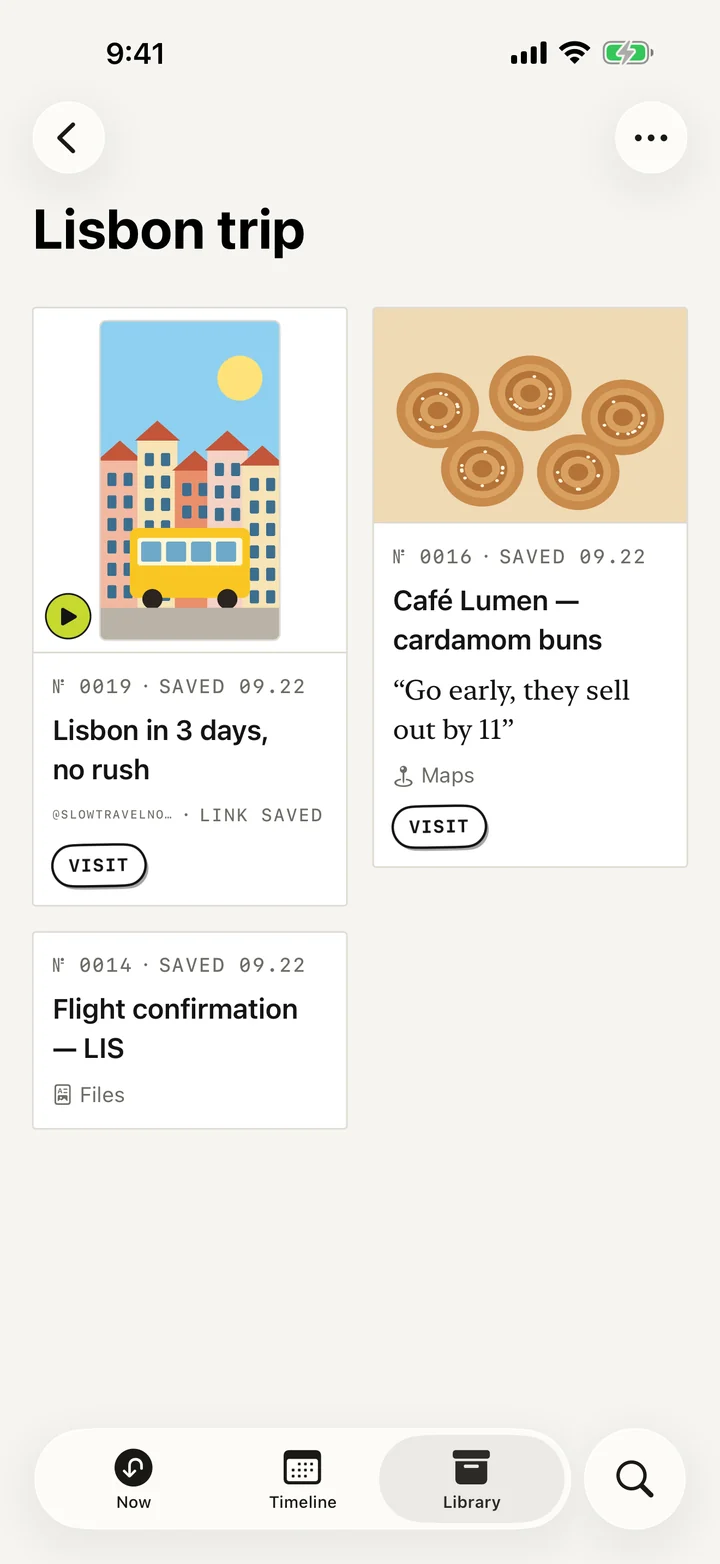
Cases · on every plan
Group saves by plan: a trip, the recipes, the house.

Titles · notes · screenshots
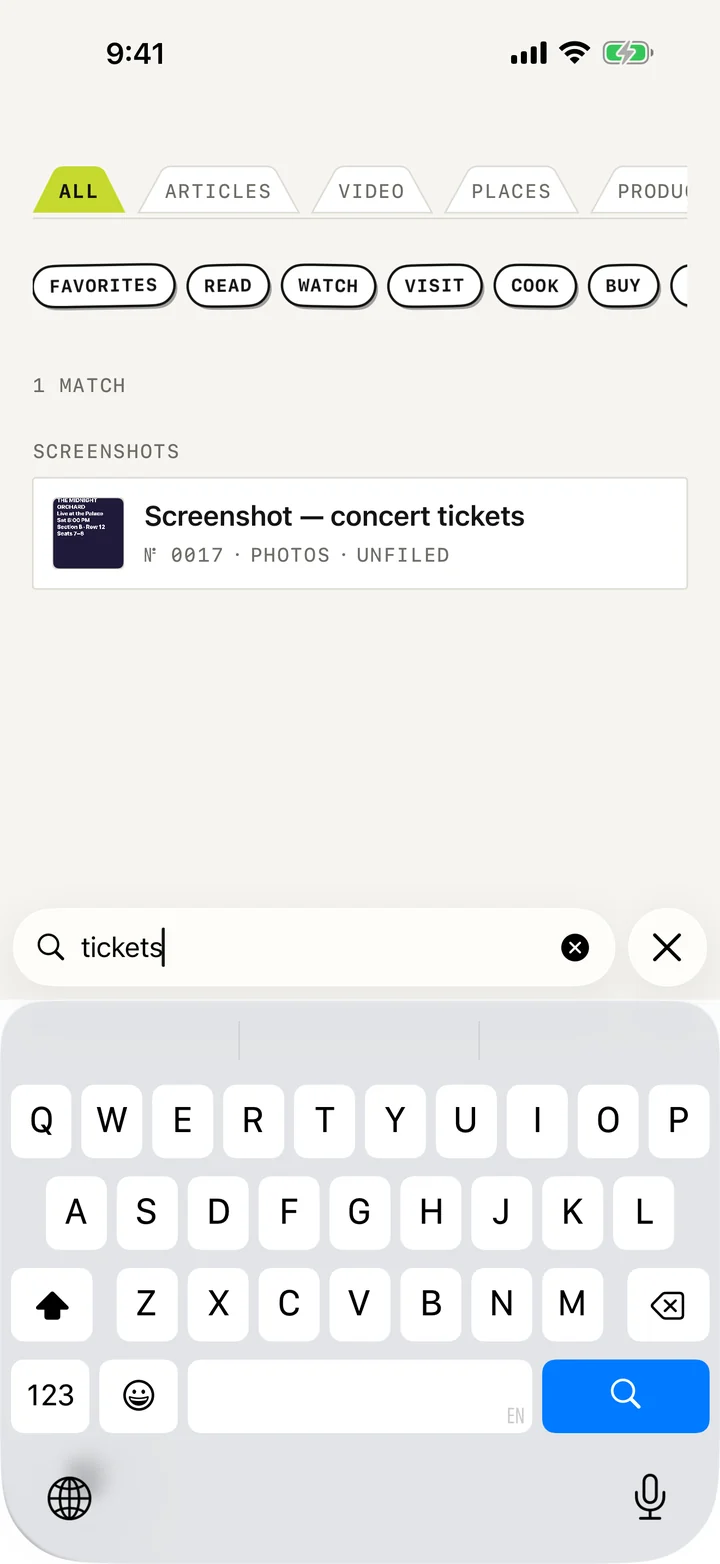
Search reads inside articles, notes, and the words in your screenshots.
One save · every screen
Save on your phone, read it on your Mac. Sync runs through your own iCloud, free on every plan.
Private by design
Your saves live on your devices and in your own iCloud. We can’t read them.
Open the app and save.
There is no Laytr server.
Nothing to sell, nobody to sell it to.
Leaving Pocket?
Import from Pocket, Instapaper or Omnivore in one go.
Since 9to5Mac wrote about us
Languages
On iPhone and iPad, from version 1.0.13. Each card is the app in that language, in its own words.
Pricing
The limit is the only difference.
Free
$0
up to 30 saves
Reading, search and export are never limited.
monthly
$1.99
per month
Renews monthly until cancelled.
annual
$14.99
per year
Renews yearly until cancelled.
lifetime
$24.99 $39.99
once
The launch-window price for Lifetime. One payment, no renewal.
You keep reading, searching and exporting everything.
Your whole archive, as one ZIP, on any plan.
The launch price for Lifetime runs until 31 December 2026. Prices are U.S. dollars. Your local price is set by the App Store and shown before you buy.
Questions
No. Sync uses the Apple Account you’re already signed in to.
Yes. The full text and pictures, so it still opens after the page is gone.
No. A video is saved as a link with its title and picture.
No, never.
Not in this version. Laytr files things the way you tell it to.
Nothing is deleted, hidden or locked. Only adding pauses above 30 saves.
English, German, French, Spanish, Arabic, Italian and Portuguese (Brazil) on iPhone and iPad. The Mac app is in English.
More answers on the support page.
Free on the App Store for iPhone, iPad and Mac.
Get Laytr on the App Store